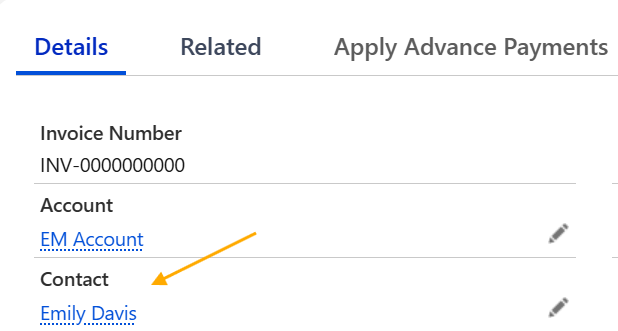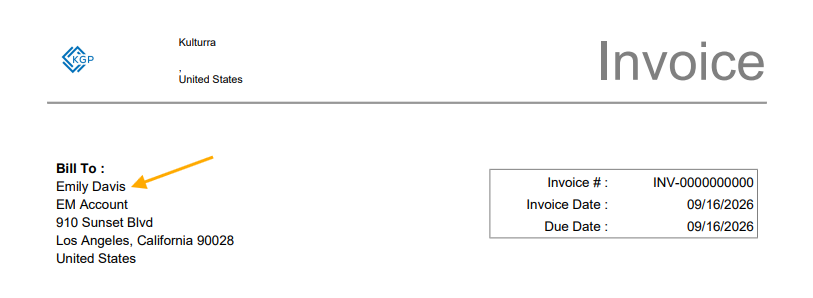
Want to show the Contact Name under the Bill To section?
You can add the Contact Name to the Invoice PDF by updating the Invoice Template.
Click path: Payment Center Settings > Customize Invoice > Edit Template
Add the following line under the Bill To section:
JavaScript<apex:outputText styleClass="normalText" rendered="{!RelatedTo.fw1__Contact__c != null}" value="{!RelatedTo.fw1__Contact__r.Name}"/><br/> 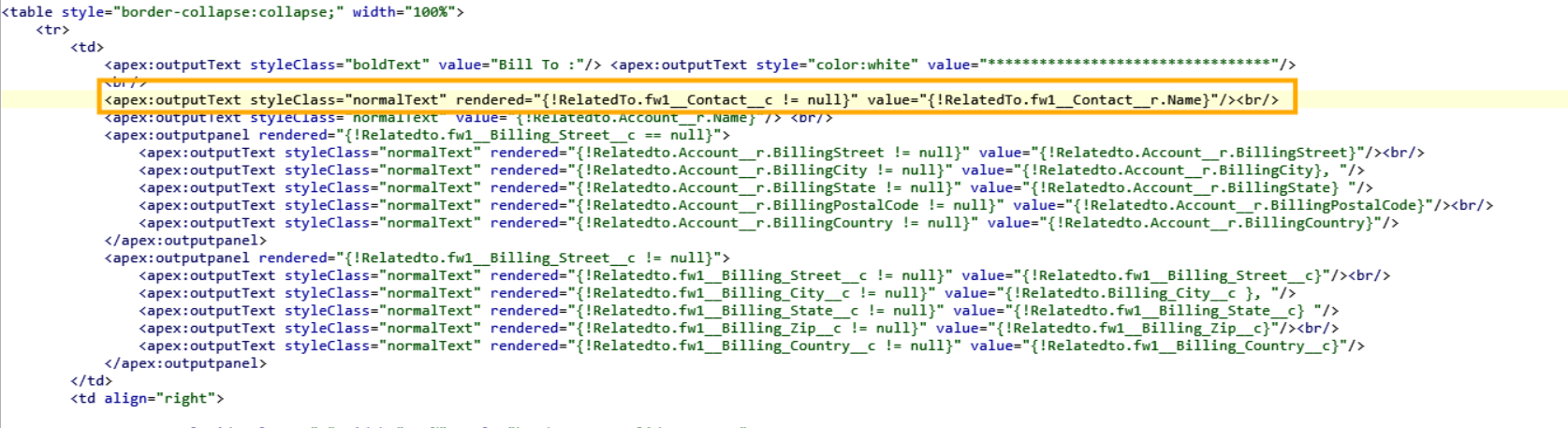
The Contact Name will only appear when a Contact is associated with the Invoice.