The Daily Reminder
The daily reminder service wakes up at a certain time during the day/night and does a couple of things, such as:
remind your customers of outstanding invoices
remind your customers that their credit card on file is about to expire
automatically retry failed payments (dunning)
checks with your payment processor the status of eCheck payments (eCheck payments can settle in days!)
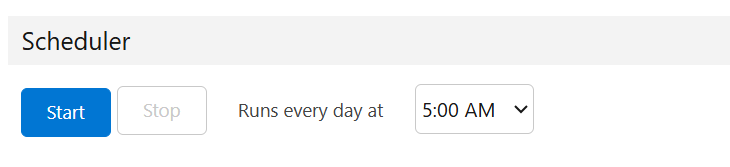
To ensure that the above tasks are performed, ensure that the daily scheduler is up and running. Go to Payment Center Settings tab then click Reminders button. Expand the Scheduler section, then click Start: