The Alert Section
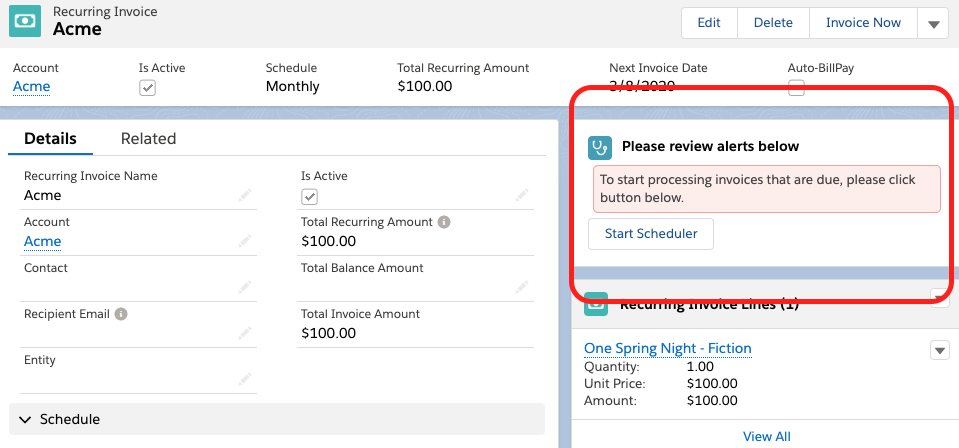
The alert section will help you with important information such as errors, tips and recommendations about a particular record in Kulturra.
On a recurring invoice for instance, if the recurring processor is not started, it will display an alert and provides a way to start the job:
Or on an ACH payment if the process that checks its daily status is not started, an alert will be displayed and provides a way to start the process:
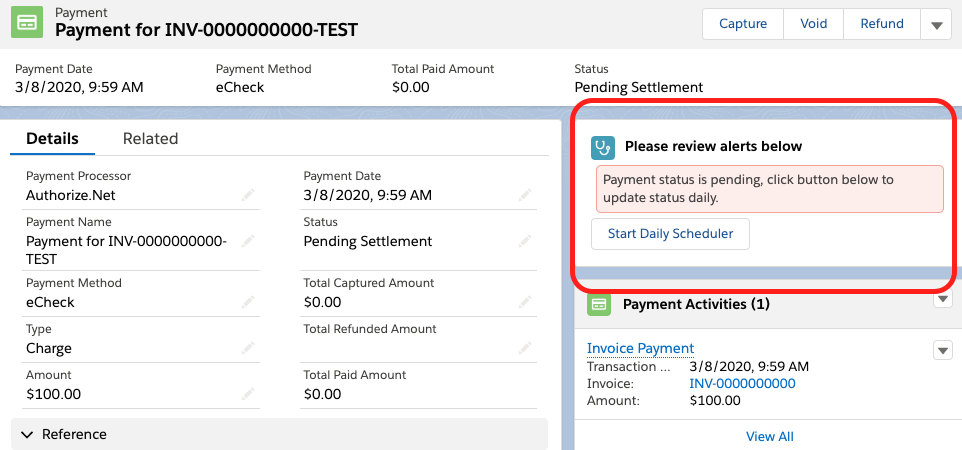
Essentially the alert section will let you know if a particular record, whether it’s an invoice, a recurring invoice or a payment, needs your attention.
Setup Notes
The alert section needs My Domain to be enabled, more information here.
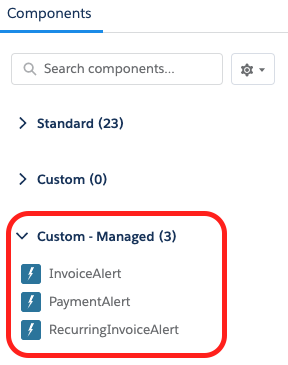
For upgrading users, the alert section won’t be available in your page layout by default. To add the section, edit your page and add the appropriate custom component: