

If the Line Description from an Opportunity Product isn't being copied to the Item Description on the Invoice Line when using the Create Invoice button, check the following custom setting:
Copy Product To Invoice Item Description
How to enable it
Go to:
Setup > Custom Settings > Payment Center Extension Settings > Manage > New
Enable Copy Product To Invoice Item Description and Save.
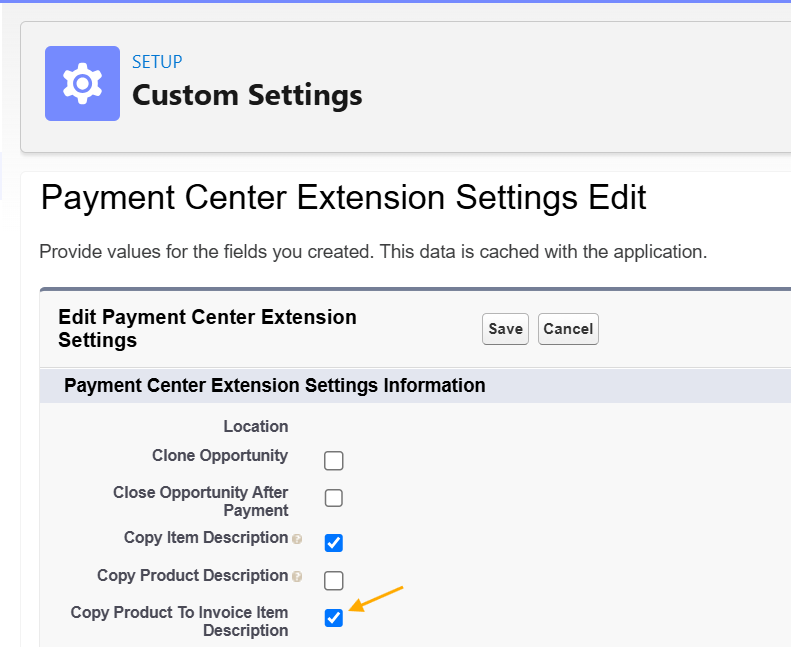
Once enabled, the Opportunity Product's Line Description will be copied to the Invoice Line's Item Description when an Invoice is created.