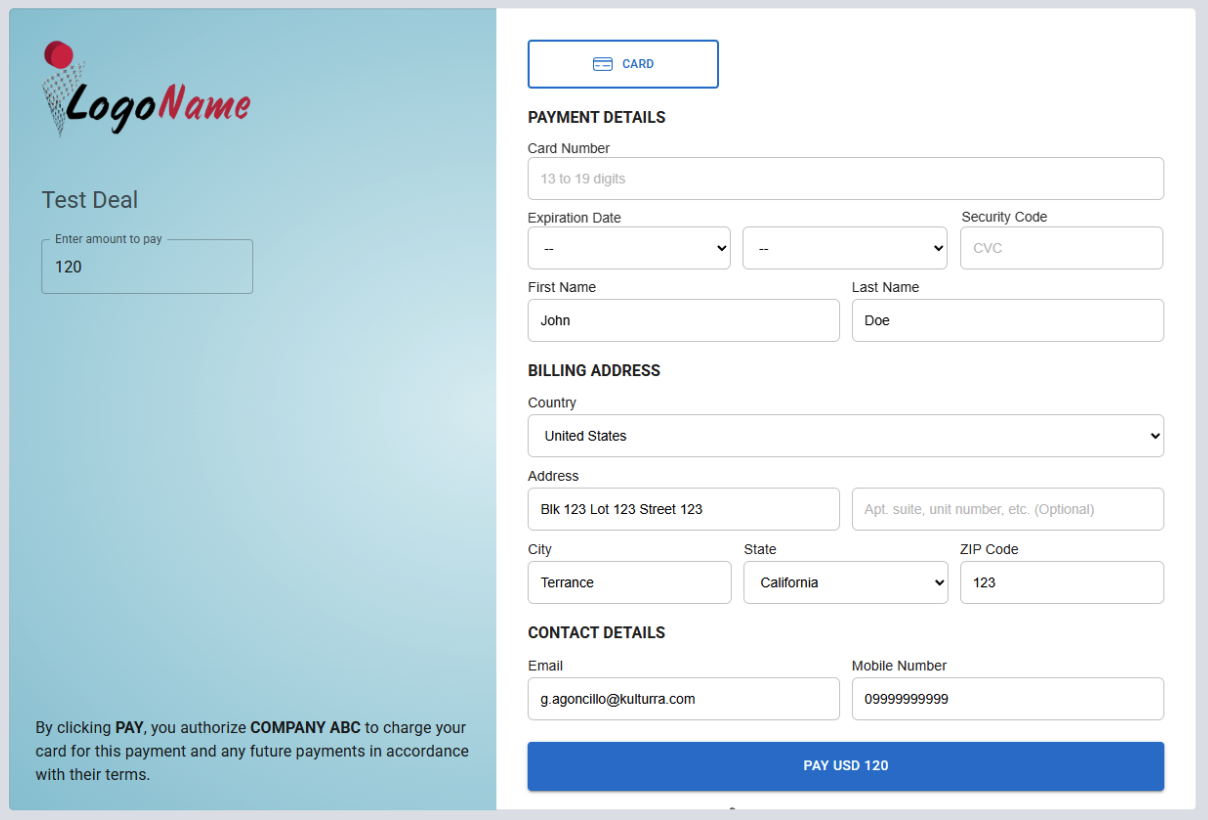
Once you've completed the application setup and configured the required board and column mappings, you're ready to begin processing payments through Kulturra.
This guide walks you through submitting a payment and verifying that the transaction has been recorded successfully.
Important
The application requires the necessary Connect Boards columns to be configured correctly. If these mappings are incomplete, some features may not function as expected.
Verify Your Configuration
Before processing a payment, confirm that the Board ID and all required column mappings have been configured in the Kulturra: Settings board.
Process a Payment
When the Payment link is clicked/accessed by the payer it will be redirected to the external server that hosts the payment form.
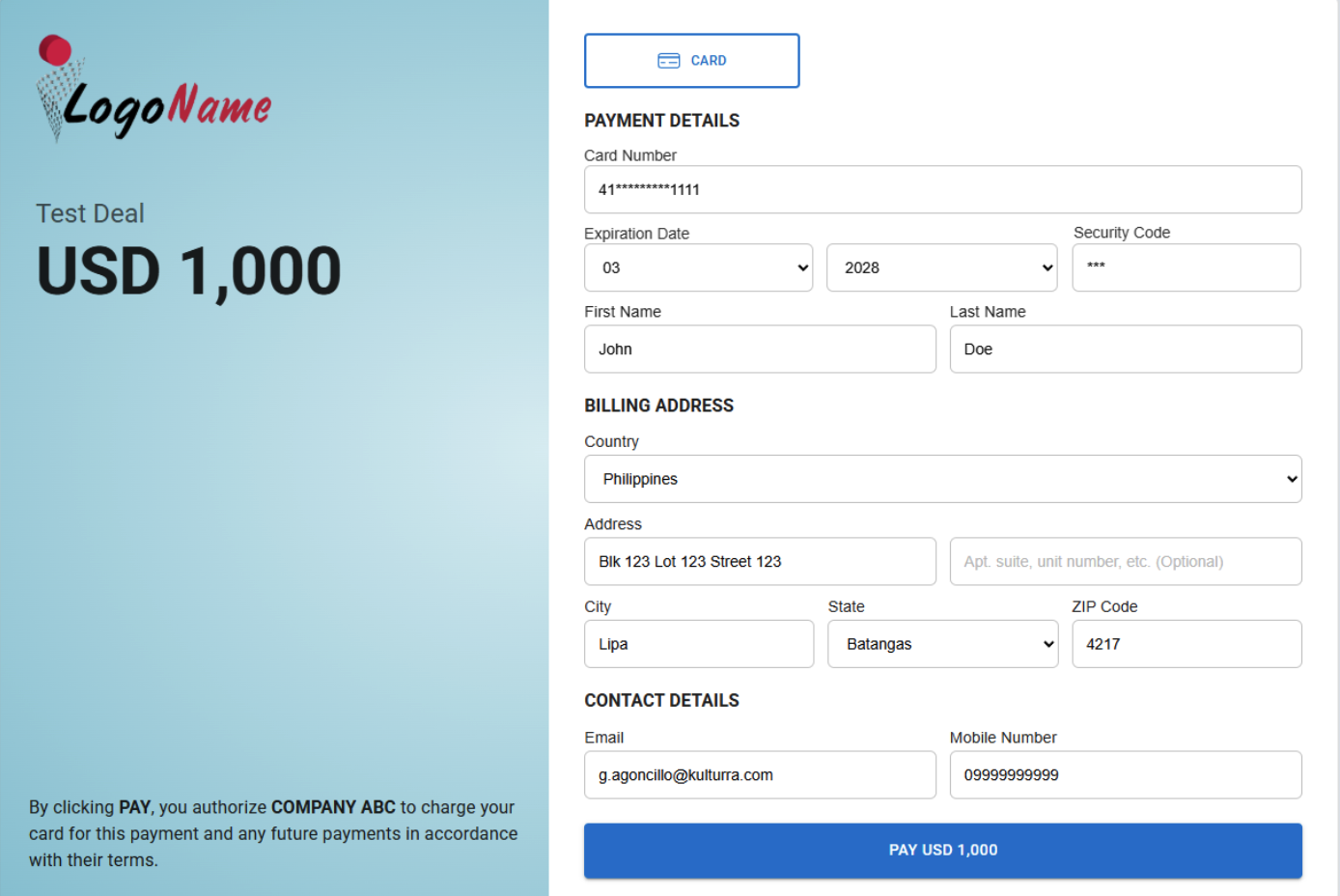
Fill up the form to make payments.
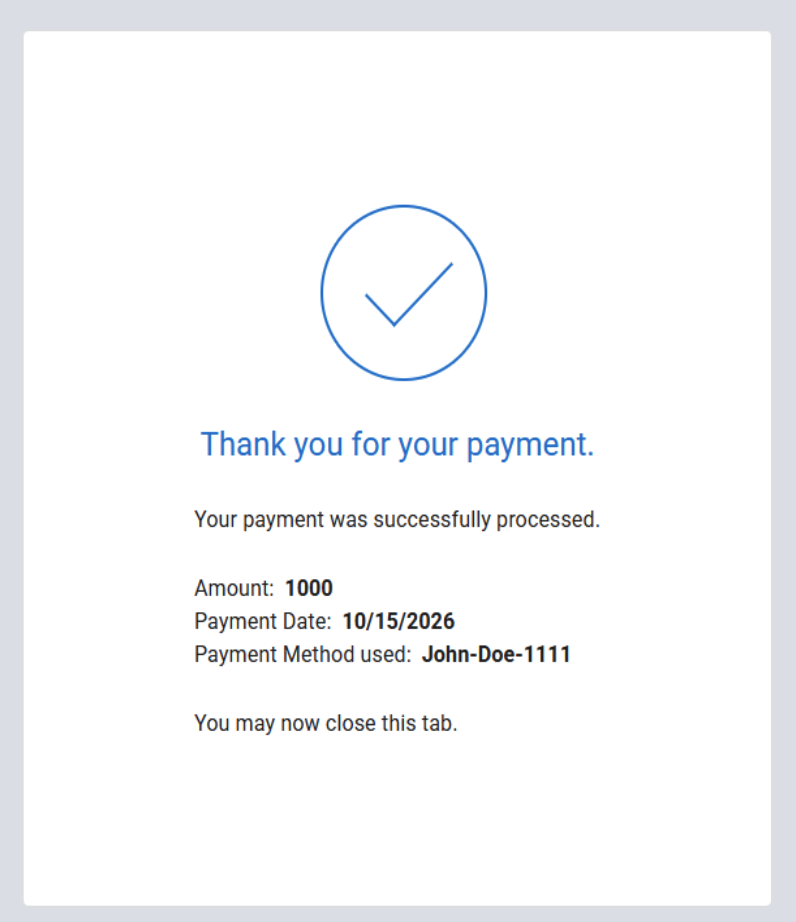
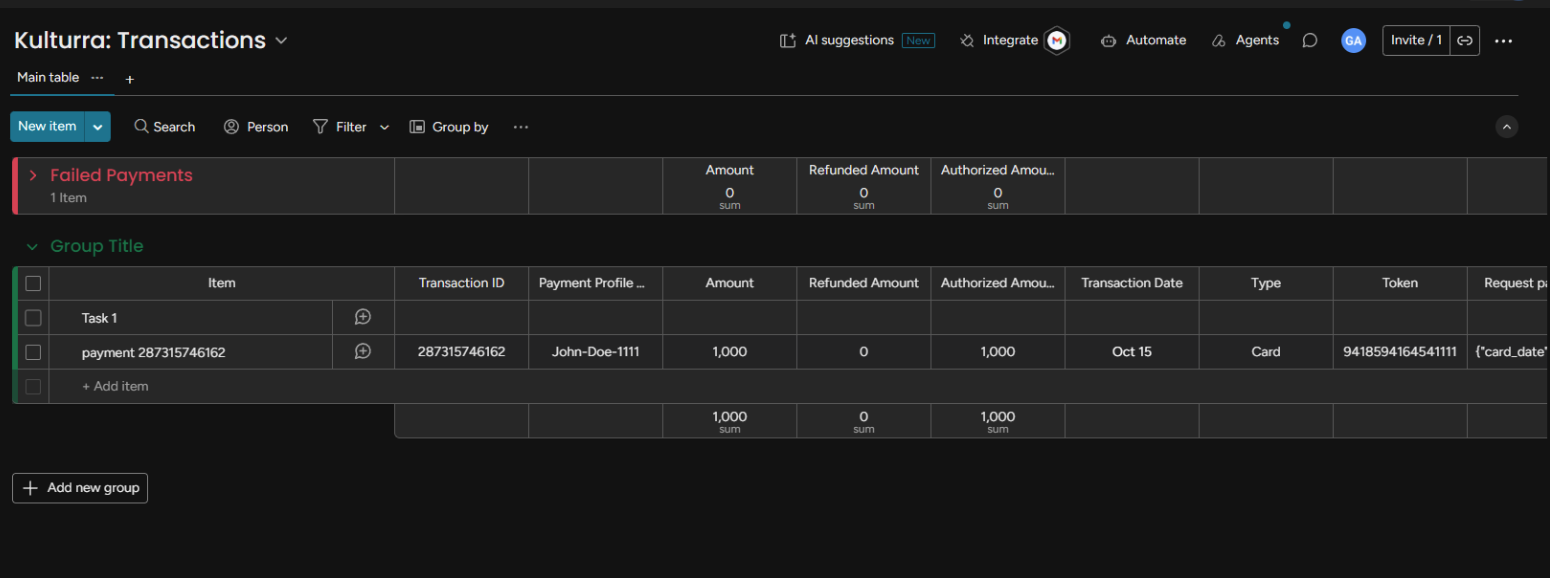
After successful payment, Check if the payment is added in the Kulturra: Transactions board.
If the amount is not filled properly in subitem settings, it will show a text field that the user can enter an amount to be paid in the left side.