

In most cases, internal users process payments, and they often do not have access to processor portals. When a payment times out and a payment intent is created, users may create a new payment without first verifying whether the transaction was successfully processed.
This enhancement will allow internal users to query and display transaction details at the time of payment, enabling them to verify the transaction status and make an informed decision before taking further action.
Verify Transaction
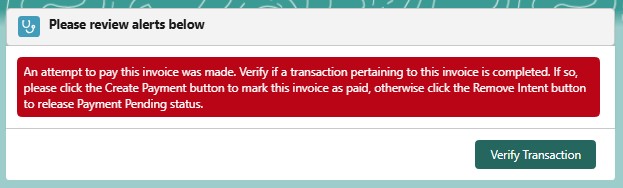
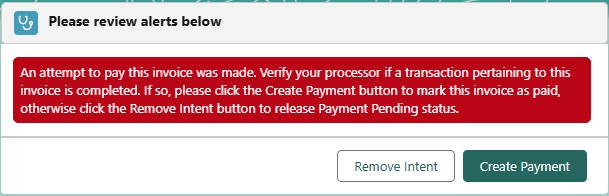
A Verify Transaction button has been added to the Invoice Alert message component and the Payment Intent record.
Invoice Alert message component
Payment Intent record
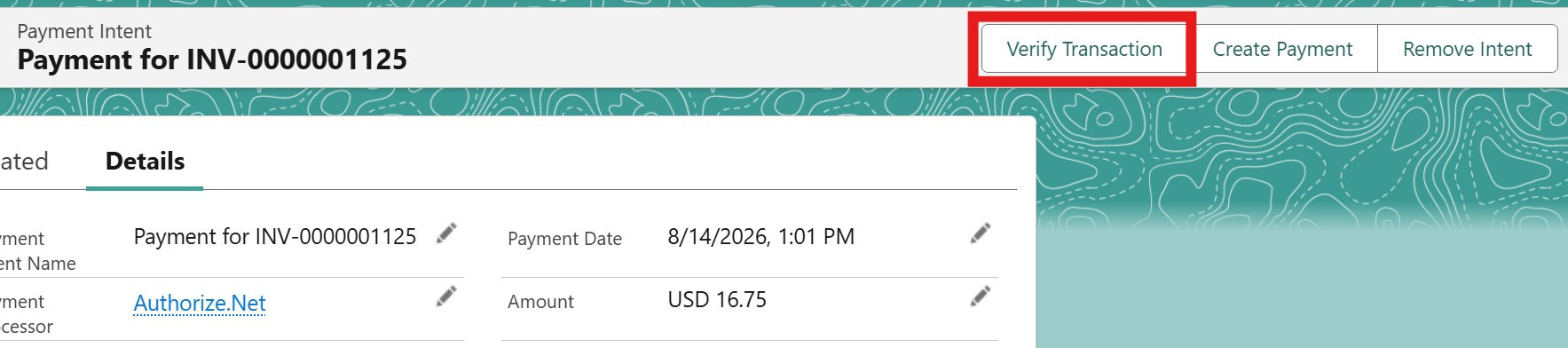
When the button is clicked, the system displays the transaction details, including the Date, Amount, Description, and Transaction ID.
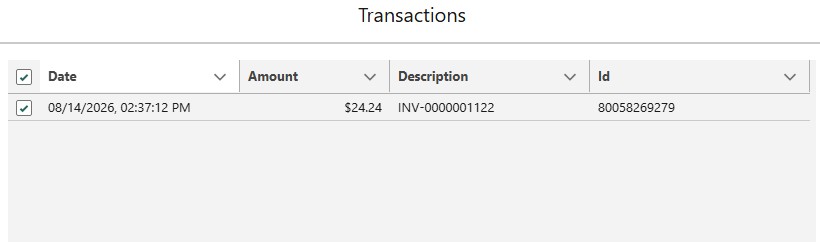
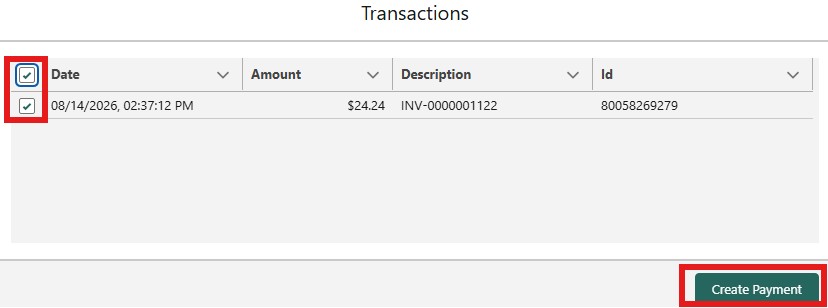
When there is a matched transaction, it is automatically selected, and the Create Payment button is displayed. When the transaction is unselected, the Remove Intent button will also displayed.
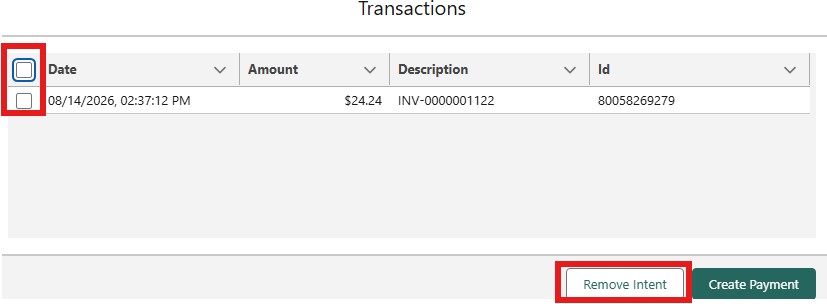
If the Payment Processor does not support the Verify Transaction feature, the Create Payment and Remove Intent buttons are displayed as they were previously.
Limitations
The Verify Transaction function is supported by the following payment processors:
CardConnect
CyberSource
Stripe
NMI
Braintree
Availability: Spring '26