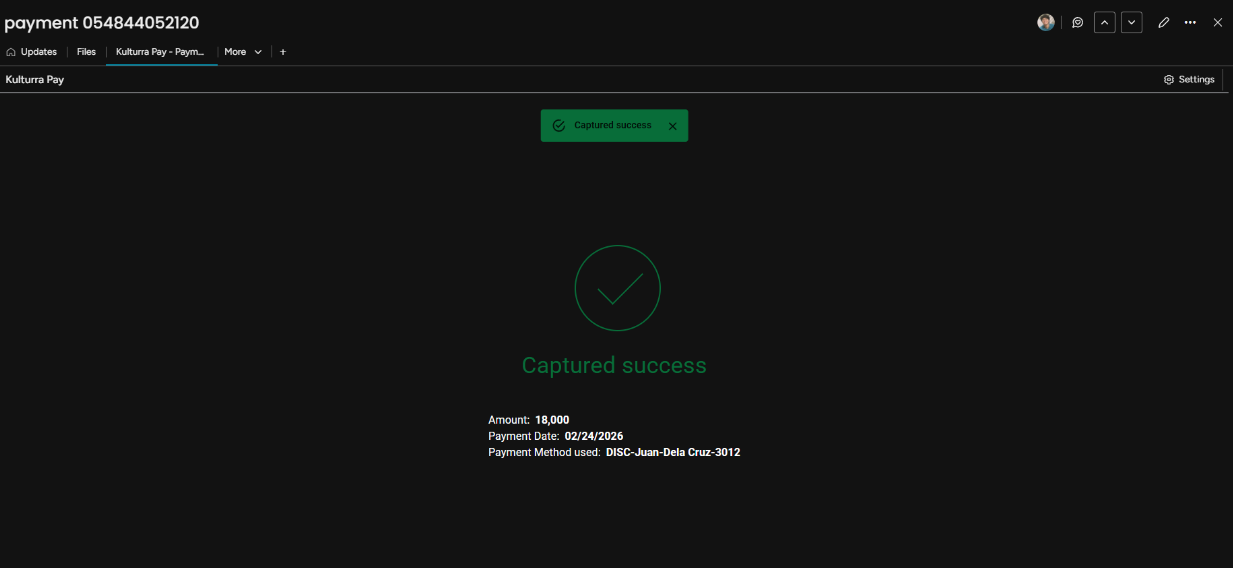
Note: The Capture button is available primarily for transactions with the Authorization payment type.
To capture a transaction:
Open the Kulturra: Transactions board.
Select the authorized transaction you want to capture..
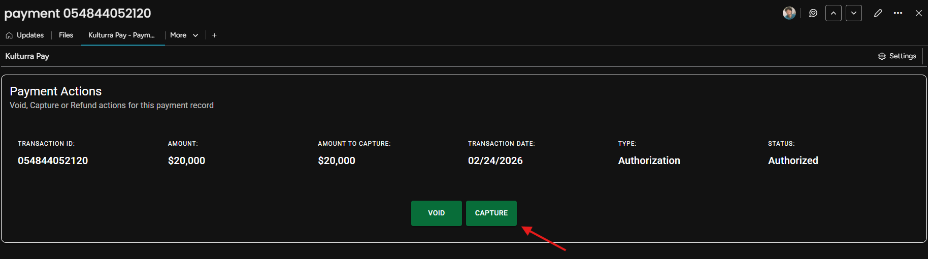
Open the Kulturra – Payment Actions view.
Click CAPTURE to capture the authorized payment.
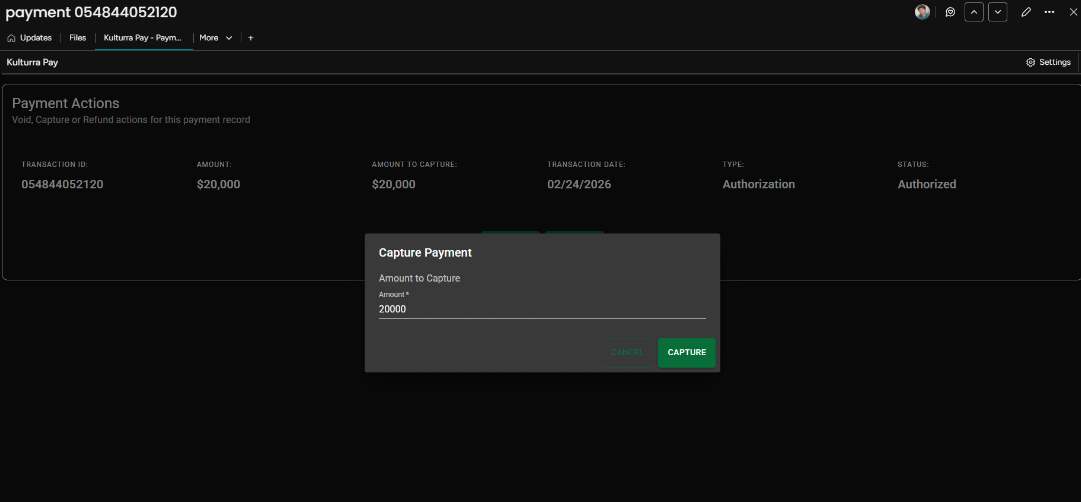
Enter the amount to capture. By default, the field is pre-filled with the maximum amount available for capture.
After capturing the transaction, verify that the Amount and Status columns have been updated:
Amount should display the captured amount you entered.
Status should change to Captured.