

To refund a transaction:
Open the Kulturra: Transactions board.
Select the transaction you want to refund.
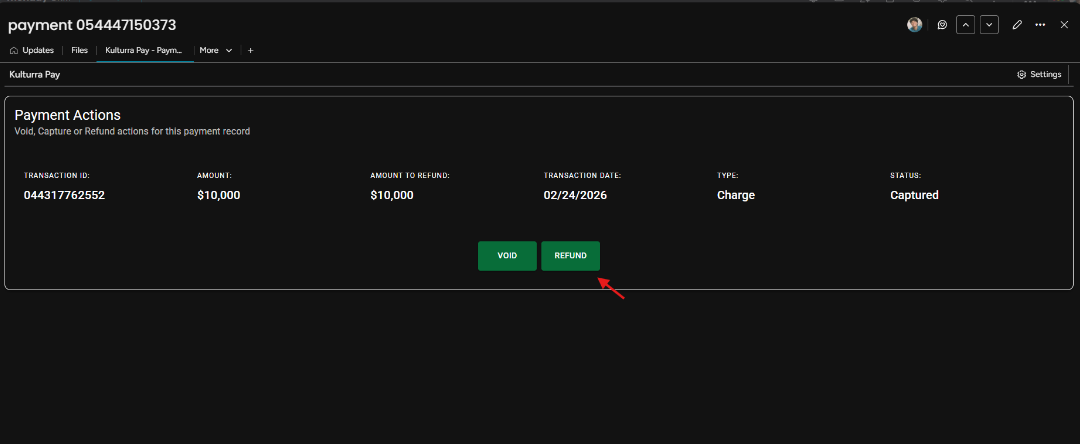
Open the Kulturra – Payment Actions view.
Click REFUND to process the refund.
Select the refund type:
Full Refund – Refunds the entire amount paid.
Partial Refund – Displays an additional field where you can enter the amount to refund.
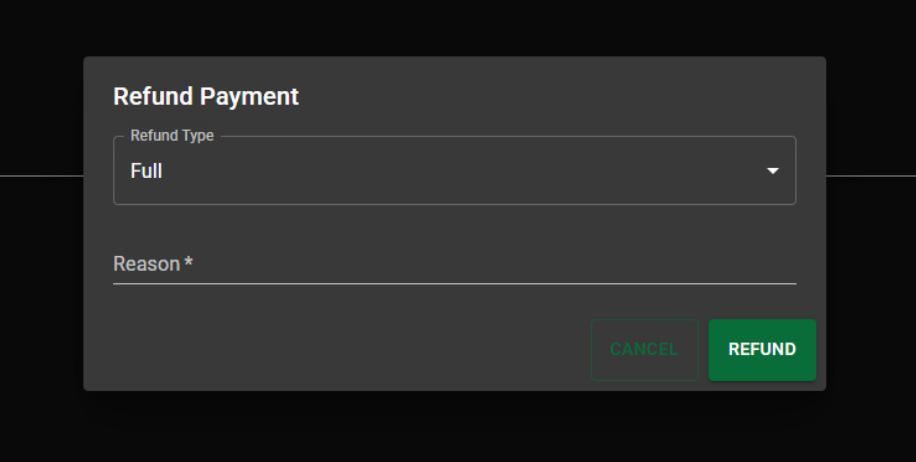
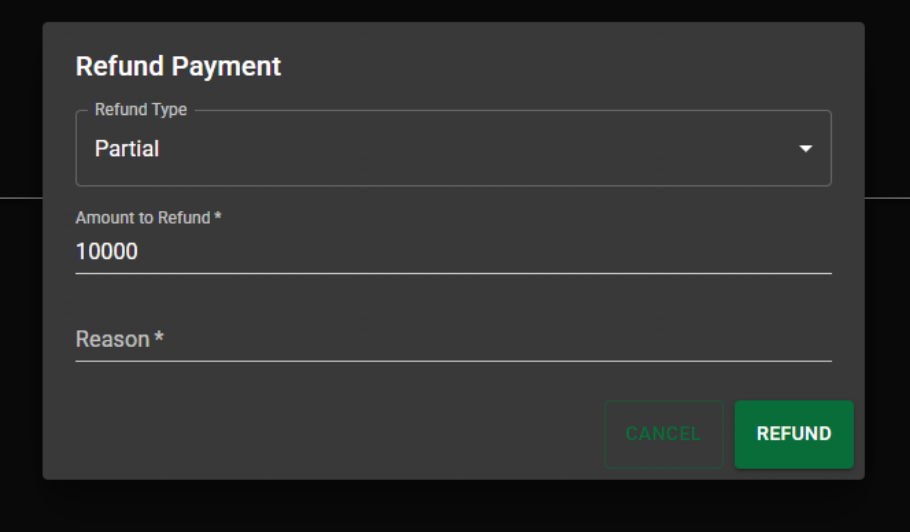
Enter the reason for the refund, then click REFUND to submit the request.
Once the refund is processed, the current item is updated as follows:
Refunded Amount displays the refunded amount.
Status changes to Refunded.
A new item is also created that contains the refunded amount and the refund reason. The new item does not have a status value.