

Issue: Error Authorization required when accessing stripe component from payment terminal
Workaround:
1. Upgrade to the latest version of Kulturra
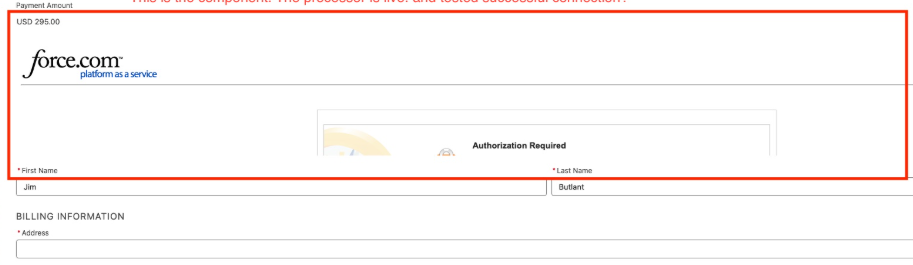
2. Aura Site Setup
- Go to Salesforce setup
- search Digital Experiences in the quick find box, look for All sites
- Click New, Look for Aura sites then Get Started
- Enter the name of your site + the path of your Aura site
- Add the flow you created in where payment terminal is being called.
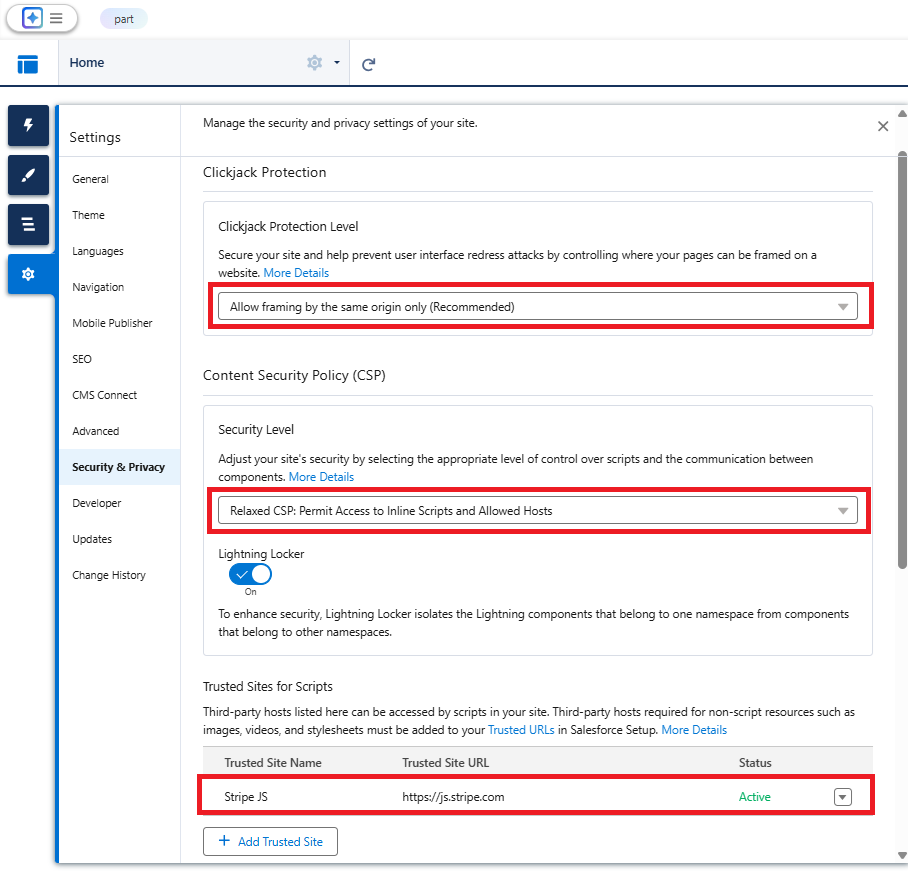
- Add the Stripe.JS to your trusted site, and modify the security policy of your site by clicking the gear icon settings and look for Security and Privacy. Change your settings based on the highlighted fields below.
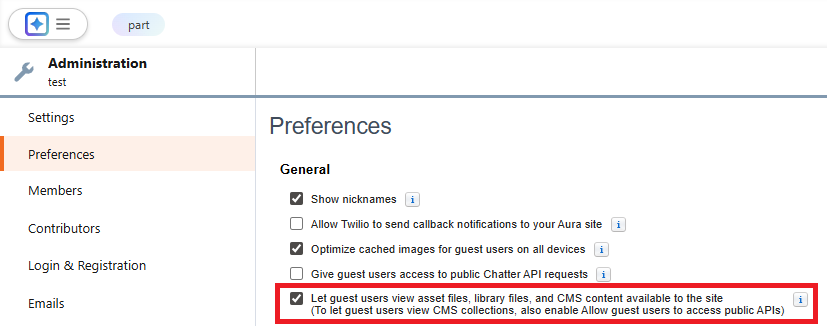
- Go back to your workspace and look for Administration, then under settings give user access to public API's and content.
- Once the Aura site is created , go back to salesforce setup and look for the created site and open it.
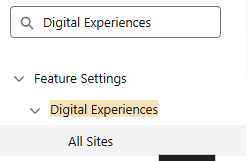
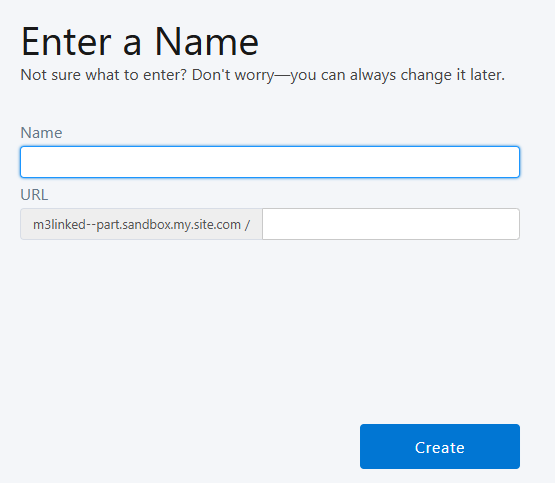

- Look for Public access settings button , then scroll down and go to the Enabled Flow Access section, hit edit and add access to your flow.

Session Settings setup
Make sure the following setup below is enabled and the rest that was NOT mentioned are disabled.
Session Timeout
Force logout on session timeout
Timeout Value = Hours
Session Settings
Lock sessions to the domain in which they were first used
Force relogin after Login-As-User
Caching
Enable caching and autocomplete on login page
Enable secure and persistent browser caching to improve performance
Enable user switching
Enable Content Delivery Network (CDN) for Lightning Component framework
Lightning Login
Allow Lightning Login
Content Security Policy protection
Enable Stricter Content Security Policy
Lightning Web Security
Use Lightning Web Security for Lightning web components and Aura components
Referrer URL Protection
Include Referrer-Policy HTTP header
HTTP Referrer Policy - Strict-origin-when-cross-origin
External Redirections
Allow redirections to untrusted external URLs = With Users Permission
Content Security Policy (CSP) Directive Rendering
Adopt updated CSP directives