Stop Recurring Invoice and Payment Reminder Processing
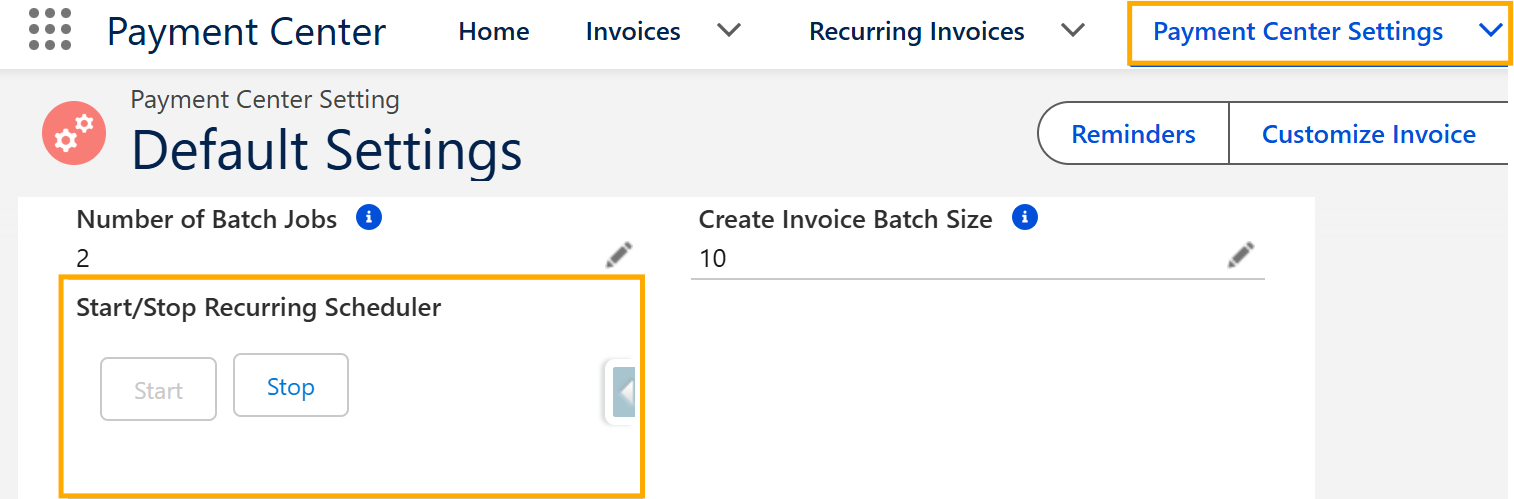
Go to Payment Center Settings.
In the Recurring Scheduler section at the bottom of the page, click Stop.
On the same page, click Reminders button.

In the Scheduler section at the bottom of the page, click Stop then Save your changes.

Temporarily Disable the Payment Site
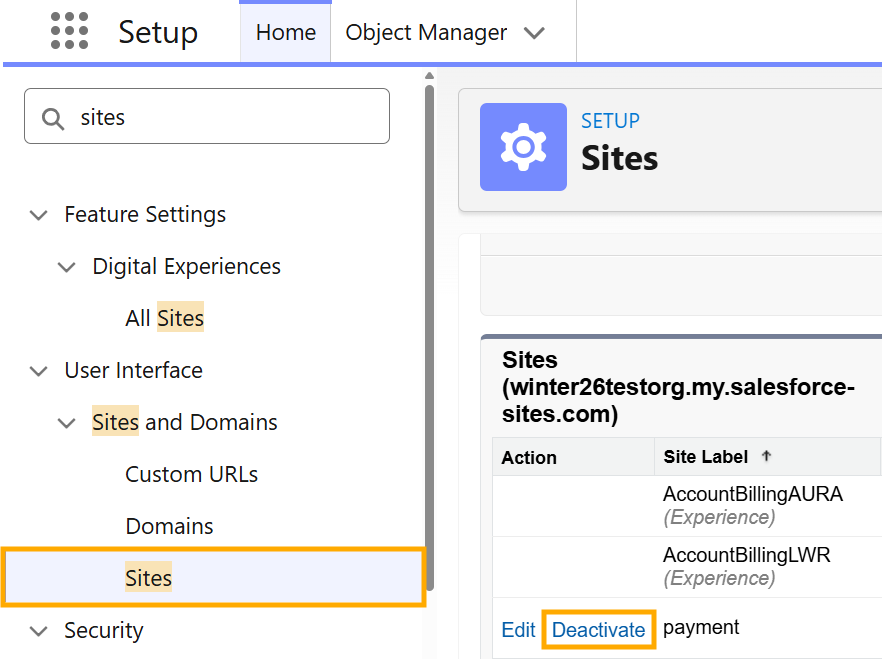
Go to Setup > Sites.
Locate the site being used for payments.
Click Deactivate.
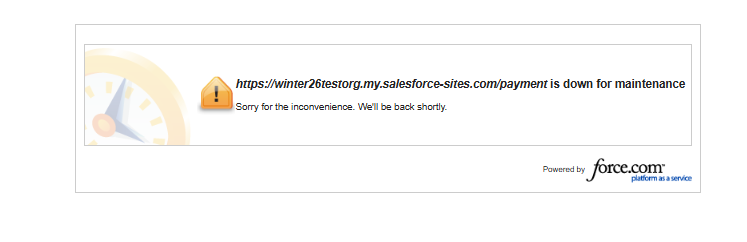
Once the site is deactivated, customers who access the payment page will see a "Site is down for maintenance" message instead of the payment form.