

Overview
When processing a refund, there is a checkbox on the Refund Payment window (as shown in the image below).
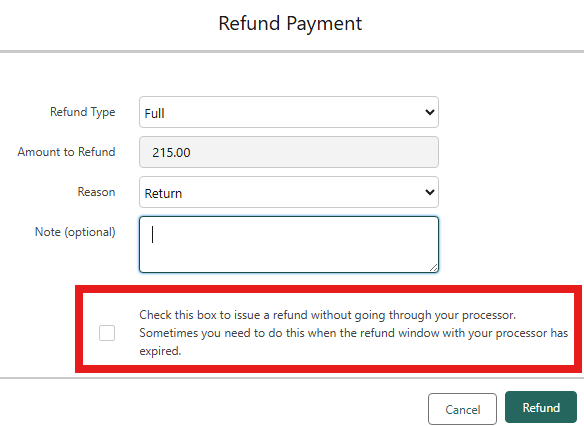
This checkbox is used in situations where:
The payment processor no longer allows a refund because the payment was made a long time ago, or
The refund has already been processed on the processor side, and you need to record or process the refund on the Salesforce payment record.
In this release, a new option has been added to control the visibility of this checkbox.
New Setting
A new flag has been added in Payment Center Settings:
Hide Option To Refund Without Processor (checkbox)
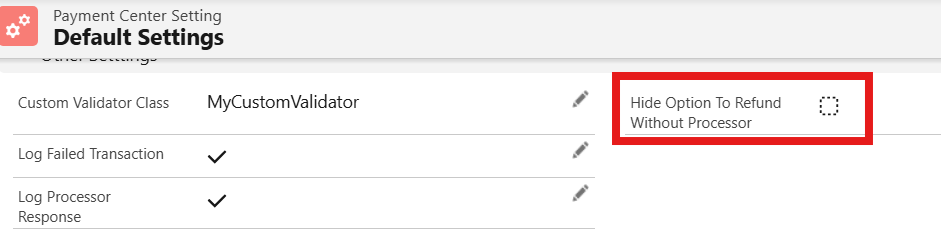
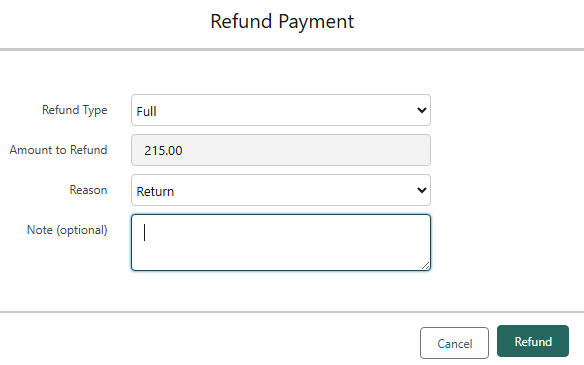
If checked: the Refund Without Processor option will not be displayed.
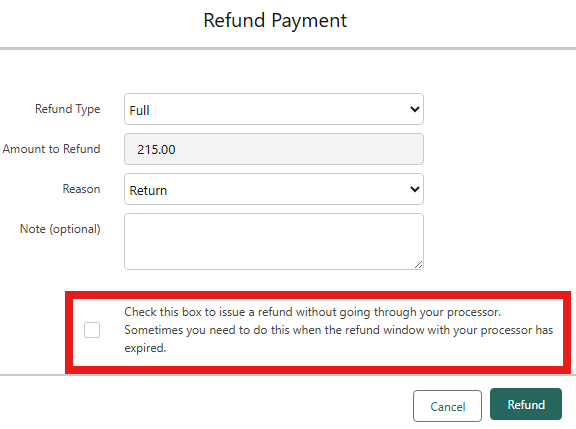
Default: unchecked, meaning the option is visible to users.
Availability: Winter '26