

The Application Settings page allows you to manage your payment gateway configurations for Kulturra.
From this page, you can review your existing settings, update payment gateway credentials, and specify which configuration the application should use.
Access the Application Settings
To open the Application Settings:
Open any item in the board where Kulturra is installed.
Select the Kulturra – Payment Form Item view.
Click the Settings button (⚙️) located in the application.

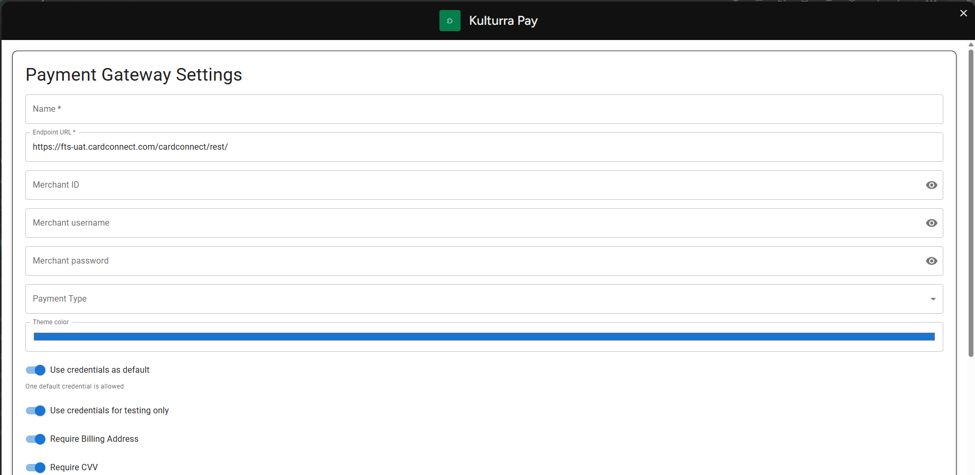
When you have more than one setting,You can select what will be the default usage using the "Use as default credentials" column.
Important
Although you can create multiple configurations, the application currently uses and maps only one configuration at a time. Be sure the correct configuration is marked as the default before processing payments.